AI TOOL / #07230
hahaOCR
Extract text from the image; press the ESC key to exit.
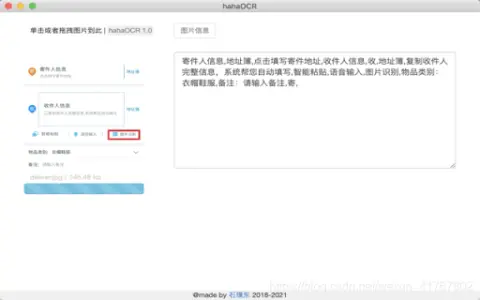
Introduction
Extract text from images and exit with ESC.
What are the Image to Text and ESC Exit App AI Chrome extensions/plugs?
This application allows users to extract text from images and convert it into editable text. Users can upload images by clicking a button and exit the application by pressing the “ESC” key.
How to use the Image to Text & ESC Exit App AI Chrome extension/plug-in?
Click the upload button to select an image. The application will automatically extract the text from the image and display it. Press the “ESC” key to exit the application.
The core functionality of the Image to Text and ESC Exit App AI Chrome extension/plugin.
Image to Text conversion
Use the ESC key to exit the function.
Related
Glasshand
Renting real iPhones and Macs for AI agents
DocsAlot
A managed document platform that can be read by both humans and AI systems
crystl
Terminal for managing multiple AI programming agents on macOS
Flova AI
Animation and Film/TV Applications for AI Video Agents
Nico
Voice AI assistant on Mac
WebGameHub
A website featuring 54 free HTML5 mini-games based on classic games – simply open the page and start playing. These games cover seven major categories, including puzzle, action, arcade, and card/racing games. There are no pop-up ads, and no registration is required for downloading them.