AI TOOL / #07221
GPT-4 Vision Screenshot
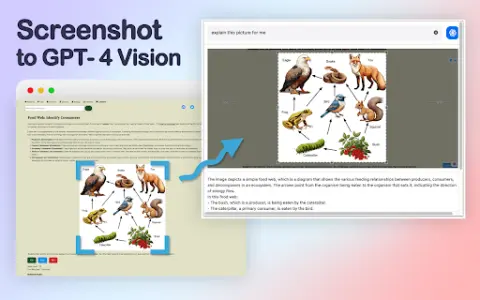
A tool that uses GPT-4 visual AI to extract answers from screenshots.
Introduction
A tool that extracts answers from screenshots using GPT-4 Vision AI.
What is the GPT-4 Vision Screenshot AI Chrome extension/plug-in?
GPT-4 Visual Screenshot is an innovative tool that allows users to select any area of the screen and pose relevant questions. GPT-4 Visual then directly extracts answers from the screenshot, intelligently interpreting the visual content with remarkable accuracy. By providing a fast, in-depth, and interactive search experience, it has completely transformed the way people obtain information.
How to use the GPT-4 Vision Screenshot AI Chrome extension/plug-in?
With just a simple shortcut key, you can select any area on the screen. Once you pose a question related to the selected area, GPT-4 Vision will directly extract the answer from the screenshot.
The core functions of the GPT-4 Vision screenshot AI Chrome extension/plugin
Use GPT-4 visual AI to extract answers from screenshots.
Related
ChatGPT Online for Google
This Chrome extension integrates ChatGPT with Google Search to provide personalized answers.
StudyPal
An AI-driven Chrome extension designed to make learning more intelligent and effortless.
Aceify.ai
An artificial intelligence-based homework assistance tool that includes features for taking screenshots and generating summaries.
bartleby
Online homework assistance, including textbook solutions, writing tools, and expert Q&A services.
Snapps CopyAI
A Chrome extension designed for instant, personalized Q&A interactions.
JustAskMe AI
Use ChatGPT to instantly answer questions related to web pages.