AI TOOL / #07091
ScreenRedact
A Mac application designed to use local machine learning techniques to identify and highlight text within images.
Introduction
Mac app for redacting text in images using on-device machine learning.
What is ScreenRedact?
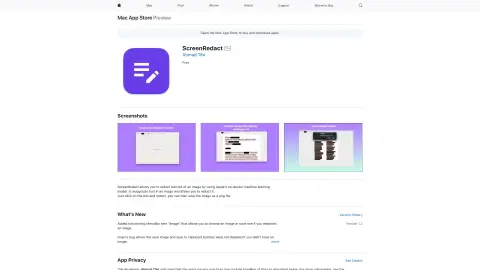
ScreenRedact is a Mac application developed by Ahmad Tibi that allows users to quickly conceal sensitive information from images. It utilizes Apple’s native machine learning technology to identify text within images and provides a user-friendly interface for masking those areas. The modified images can then be saved in PNG format.
How to use ScreenRedact?
Open an image in ScreenRedact, and the application will automatically detect any text present. Click on the text to darken it. Save the darkened image as a PNG file.
The core functions of ScreenRedact
Using Apple’s native machine learning technologies for text masking/darkening.
Save the image in PNG format.
Copy the image to the clipboard.
Related
The new telemetry.dev version
An observable platform for LLMs and AI agents
New LFM3 Omni 2B WebGPU
A voice conversation model that runs locally in the browser.
New Pilely
You can build web applications just by chatting in ChatGPT.
New Causal
AI infinite canvas for creative projects
New MAO
Multi-programming agents collaborate with the canvas to coordinate their actions.
NewOur Silly Games
Chat with Claude and play web games