AI TOOL / #06683
VoiceChatter
Convert speech into text in Chatter format.
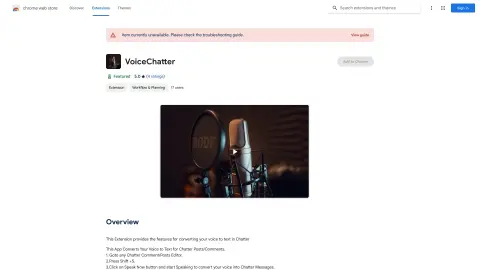
Introduction
Converts voice to text for Chatter posts and comments.
What is the Voice to Chatter Converter AI Chrome extension/plug-in?
This application converts your voice into text for Chatter, allowing you to create messages quickly and easily using voice recognition technology.
How to use the Voice to Chatter Converter AI Chrome extension/plug-in?
1. Open any Chatter comment/posting editor.
2. Press Shift + S.
3. Click the “Speak Now” button and start speaking; your voice will be converted into a Chatter message.
The core functionality of the Voice to Chatter Converter AI Chrome extension/plug-in
Chatter's text-to-speech function
Related
SubEasy.ai
Artificial intelligence-powered transcription and translation services support over 100 languages and offer high levels of accuracy.
Lugs.ai
A real-time subtitle and transcription tool designed for people with hearing impairments, powered by artificial intelligence.
VideoLingo
An AI-powered video localization tool, used for generating subtitles and adding voiceovers.
Taskade
Mind map generation tool
Typeframes
AI video generator for easily creating trending short videos.
Beatoven.ai
Royalty-free AI music generator for videos, podcasts, and games.