AI TOOL / #06525
Whisper Text Reader
Browser plug-in that reads selected text aloud using text-to-speech technology.
Introduction
Browser extension that reads aloud selected text using text-to-speech technology.
What is Read Aloud ai chrome extension/plugin?
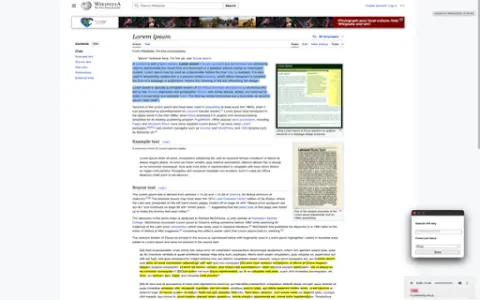
Read Aloud is a browser plug-in that uses text-to-speech (TTS) technology to read web page text aloud. It supports multiple voices and languages, allowing users to customize their listening experience. The plug-in integrates seamlessly with web browsers, allowing users to easily select text and have it read aloud with a right-click.
How to use Read Aloud ai chrome extension/plugin?
Highlight selected text on a web page, right-click and select "Speak this text" to have the plug-in speak the selected text.
Read Aloud ai chrome extension/plugin core features
Text-to-speech functionality for web text
Related
WaveSpeedAI
A platform to accelerate AI image and video generation with multiple models and features.
Comfy Deploy
A production-ready API platform that enables teams to use and deploy the ComfyUI workflow.
Pipedream
A low-code integration platform for connecting APIs, AI, databases, and more.
Arcads
The AI platform generates video ads from text using AI actors.
Vidbyte
AI-powered video creation is utilized in learning and education.
Drawings Alive
AI-powered applications transform children's drawings into vibrant art pieces and animated videos.