AI TOOL / #03932
Recap: Smart Split and Summarize with ChatGPT
An open-source browser extension that uses ChatGPT to summarize web page text.
Introduction
Open-source browser extension for summarizing webpage text using ChatGPT.
What is the Recap AI Chrome extension/plug-in?
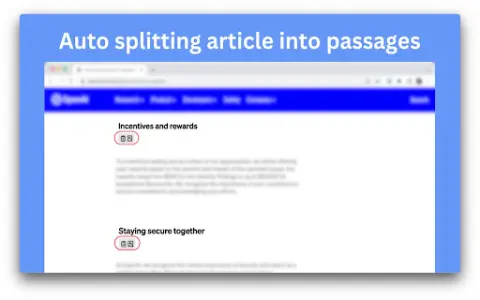
Recap is an open-source browser extension that utilizes ChatGPT to summarize the text on web pages. It divides articles into multiple paragraphs, allowing users to summarize specific sections or the entire page. Recap also supports summarizing selected text and providing a recap of previous content before moving on to a new paragraph.
How to use the Recap AI Chrome extension/plug-in?
Install the Recap extension using the provided source code. Once the installation is complete, navigate to a web page and use this extension to summarize the entire page, specific paragraphs, or selected text. You can also configure settings such as the ChatGPT model and API key.
Summary of the core features of the Recap AI Chrome extension/plug-in
Automatically divide the article into multiple paragraphs.
Summarize the entire page content.
Summarize the text in the paragraph.
To review the previous content before moving on to a certain paragraph.
Summarize the text selected by the user.
ChatGPT that supports the use of custom models
Support for using custom API hosts as well as the official OpenAI API that utilizes predefined API models.
Custom prompt
Enable/disable the switch for individual domain names or pages.
Users are able to configure settings for different websites.
Dark mode
Supports keyboard shortcuts
Related
PDFToQuiz
AI-based platform that converts PDFs, URLs or text into interactive quizzes.
Training OS
A fast, easy-to-use AI-powered tool for creating presentations, documents, and web pages.
Teddy AI
A conversational artificial intelligence learning partner designed for children, making the learning process fun and interactive.
Best SAT Score
To help improve scores, digital SAT preparation tools are provided, including practice tests and personalized learning plans.
Benkyu
An artificial intelligence-driven learning platform designed for personalized learning and exam preparation.
PeerAI
AI-powered personalized learning tools offer interactive materials designed to enhance academic performance.