AI TOOL / #02660
Grok Button
A browser extension that provides quick access to Grok AI.
Introduction
A browser extension for quick access to Grok AI.
What is a Grok Button?
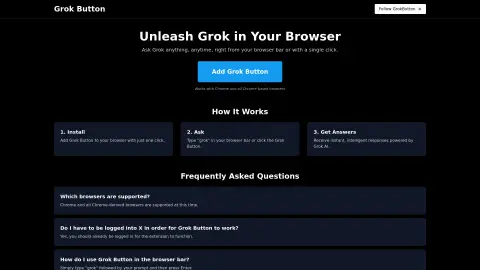
The Grok button is a browser extension that seamlessly integrates the powerful capabilities of Grok AI into your web browser. Users can submit their questions by entering “grok {your question}” in the browser address bar or by clicking the Grok button, and they will receive instant, intelligent responses.
How to use the Grok Button?
Install the Grok button extension. To use it, enter “grok” followed by your question in the browser address bar, then press Enter, or click the Grok button.
The core functionality of the Grok Button
Quickly access Grok AI from your browser.
Answer questions immediately
Integration with Chrome and Chrome-based browsers
Related
Nutroscan
AI-based personalized meal plans targeting health conditions and dietary preferences.
Recipeasy
An AI-powered recipe generator that enables quick and personalized customization of meals.
Clip Recipe
Clip Recipe pulls recipes from cooking videos across various platforms.
SousChefAI
An AI recipe generator based on user preferences, providing services for personalized meal plans and recipes.
receitas.ai
Receitas.ai is an AI kitchen assistant that creates personalized recipes.
Frigo
Artificial intelligence-based recipe recommendations utilizing ingredients stored in the refrigerator or pantry are designed to help reduce food waste.