FigmaMCP
Use programming agents to modify Figma files.
Introduction
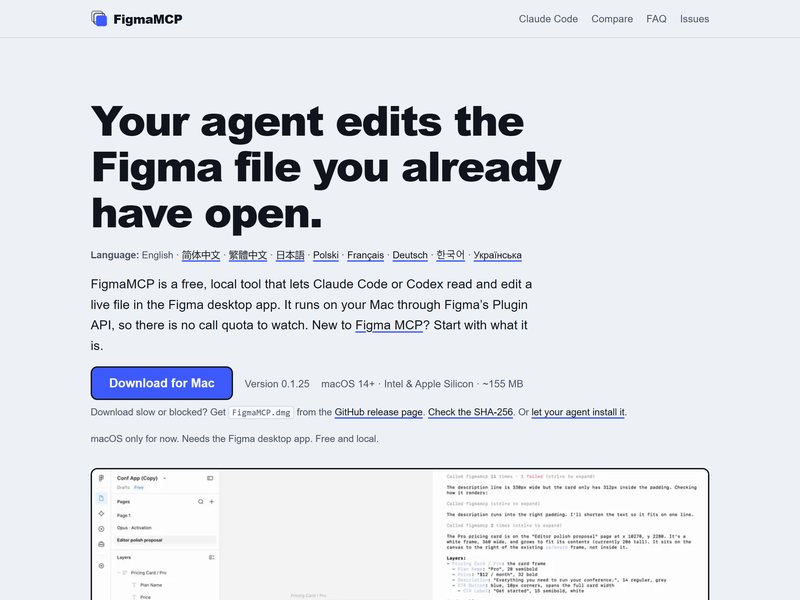
FigmaMCP enables Claude Code or Codex to directly read and write the Figma files you are currently working on. It is a free, local tool that can be installed on Mac and operates through Figma’s plugin API, meaning there are no restrictions on the number of calls it can make.
Elements that can be read include pages, frames, layers, text, components, variables, and styles; those that can be modified include frames, text, shapes, components, instances, automatic layout, fill colors, stroke settings, and effects. Simply tell the intelligent system what you want to change, and the corresponding elements will appear right before your eyes. Batch processing is one of its strong points—for example, you can modify all the text layers that contain references to old product names at once.
There are several safeguards in place: each time you edit something, you must specify the target clearly; in case of batch modifications, if even one item is illegal, the entire batch will not take effect; moreover, a toggle switch within the plugin allows you to set files to read-only mode.
Currently, this feature is only available on macOS 14 and later versions, and requires the Figma desktop version – with the software still in the 0.1 development stage. Designers using Windows cannot make use of this feature for the time being.